How to Save and Retrieve Your Guitar Setup in Garage
Add a guitar, record its strings and setup notes, then reopen the saved record. Learn how free Garage account sync, maintenance history and Pro reports work.
Start With One Guitar and One Useful Note
Guitar Garage is useful when it answers a small question next time you pick up an instrument: which strings did I fit, or what did I change at the last setup? You do not need a complete collection inventory or every measurement to begin.
The free Garage includes two guitar records and the last 12 months of maintenance history. Strings, setup notes, account sync and guitar-details JSON export are included. Garage Pro adds unlimited guitars, full maintenance history and printable maintenance reports.
1. Sign In So You Can Return on Another Device
Use the Garage's sign-in option and complete the sign-in flow. When you return, check that the Garage shows your account before adding a record you expect to retrieve elsewhere.
You can try guitar records without signing in. Those records are stored in that browser. Signing in does not silently move them into your account: if Garage finds local records, it shows a Sync prompt. Complete that sync and check that the records appear in your account.
This distinction matters before clearing browser data or switching phones. Account records are available when you sign in again; unsynced local records may be lost if that browser's data is removed. Dated maintenance-log entries require sign-in and a guitar saved to your account.
2. Add the Guitar You Actually Own
Choose Add a guitar. You can use Find factory model when you know the matching model, or Custom / other for another brand, a modified guitar or an uncertain variant.
Enter its brand and model, then give it a nickname you will recognise. “Sunburst Strat” is enough. Avoid choosing an exact year or factory variant just to make the record look complete.
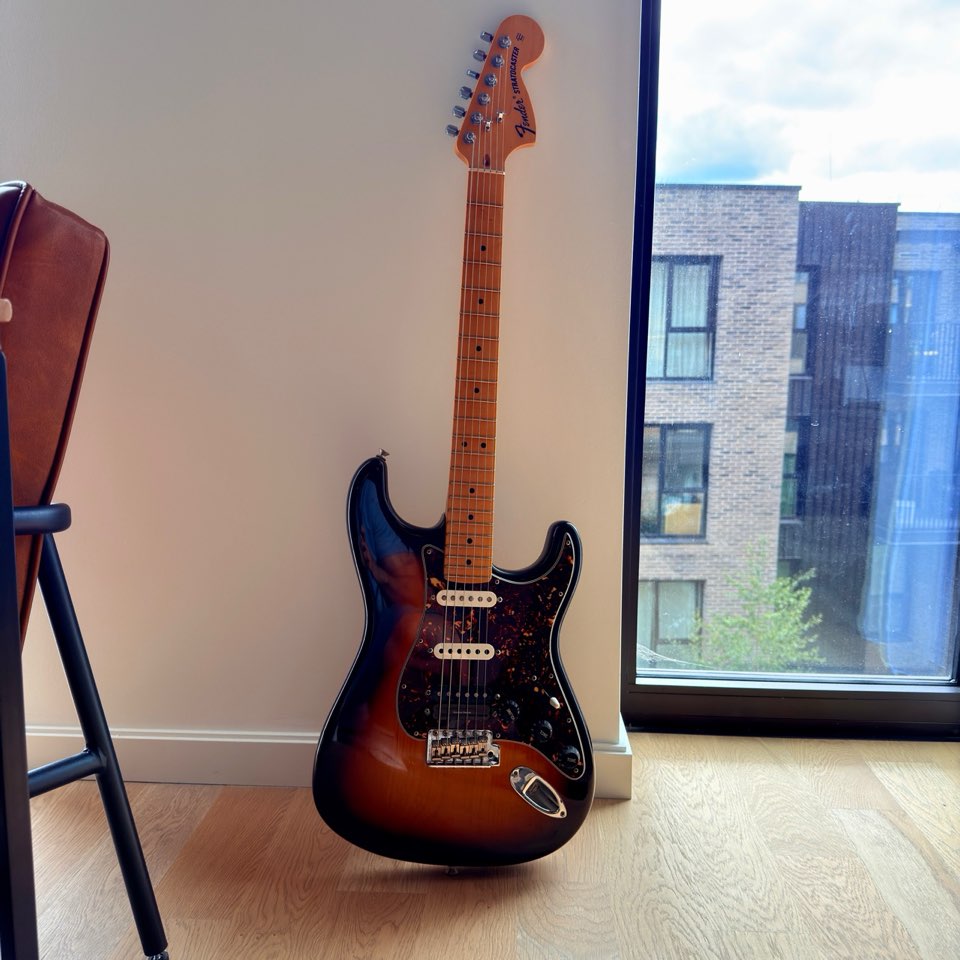
For example, the photographs of my Strat show a sunburst finish, a six-screw tremolo and a Seymour Duncan-branded bridge pickup. They do not confirm the exact guitar variant or pickup model. A record can capture those known details while leaving the rest unconfirmed.
Selecting a factory model does not measure the guitar or establish what parts remain fitted. Keep reference specifications separate from readings you take yourself.
3. Record Strings, Dates and Your Own Setup Notes
In String brand / type, enter the set you fitted if you know it. Select its String gauge. If the set is not one of the listed gauges, choose Custom set and put its gauges in the notes. Leave unknown strings blank rather than choosing a plausible set.
Use Last restring and Last setup only for dates you know. I don't remember leaves a date unknown. You can update it when you next do the work.
Use Notes / custom specs for your own setup measurements and observations. A useful record includes:
- The measurement and unit, plus the string or pickup position it refers to.
- Where and how you measured it, including the fret or reference surface.
- What you changed, if anything, and the result you actually observed.
- Anything still unknown, such as the exact replacement pickup model.
Do not copy a factory recommendation into the notes as though it were your own reading. The setup specs lookup provides references; your record describes your individual instrument.
A starting note for my Strat could read:
Six-screw tremolo. Seymour Duncan branding on the bridge pickup; exact model unconfirmed. String set, gauge and setup measurements not yet recorded.
At the next string change, the new fitted set and actual date would make that record more useful. Measurements can follow when you take them.
Choose Add to garage and wait for the save to finish. If Garage shows an error, keep the form open and resolve it before treating the record as saved.
4. Reopen It Before You Leave
Open the saved guitar and check your strings and setup notes. Use Edit when you need to update the record, then Save changes. Reload Garage and reopen the guitar to confirm the updated details remain.
To check account retrieval, sign in with the same account on a second browser or device and open that guitar. An empty Garage on the second device can mean that the first record is still local, or that you used a different account. Return to the original browser and check its account and sync prompt before creating another copy.
The aim is simple: at your next string change, you should be able to retrieve the last fitted set and your notes without relying on memory.
5. Add a Dated Maintenance Entry
For a guitar saved to your account, open its detail page and choose Add entry. Select the work type, check the date, and give the entry a short title. Add the work and observations to Notes, then choose Save entry.
Check that it appears in Maintenance Log. A saved entry records an event; Edit updates the guitar's profile, including its string details and last-maintenance dates. Keep those profile details current when fitting a different set.
An entry might describe a string change, measurements taken without making an adjustment, or a technician's service notes. Record an improvement only when you observed one. A maintenance log is useful context for a technician, not proof that a guitar is fault-free or a substitute for an inspection.
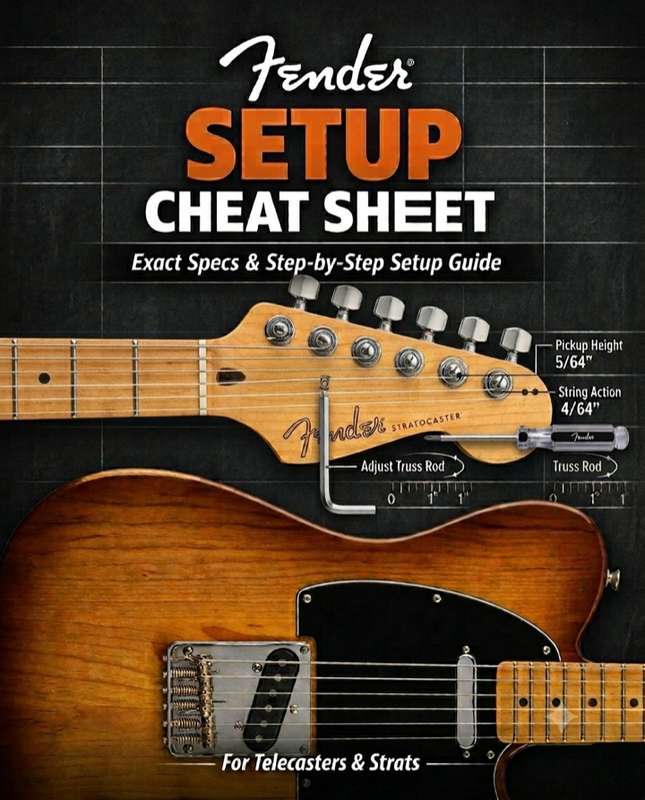
If you are doing a setup, use the Stratocaster setup guide for the process. Garage stores your records; it does not diagnose buzzing or prescribe a truss-rod adjustment.
What You Can Retrieve and Export
| Record or output | Free Garage | Garage Pro |
|---|---|---|
| Saved guitar profiles | Two guitars | Unlimited guitars |
| Strings, notes and dates | Included | Included |
| Account retrieval on another device | Included after sign-in and sync | Included after sign-in and sync |
| Maintenance-log entries shown | Last 12 months | Full history |
| Guitar-details JSON export | Included | Included |
| Printable maintenance report | — | Included |
The Garage dashboard's JSON export downloads guitar profile details, including strings and notes. It does not include the separate dated maintenance-log entries. Keep that limitation in mind when making a backup.
Pro members can open a guitar's Maintenance Log, choose PDF, and print the report or save it as a PDF through their browser. A free account shows the Pro explanation at that button.
Common Questions
Do I need Pro to save my first setup?
No. You can save two guitars, keep strings and setup notes, and view the last 12 months of maintenance history for free. Pro is useful when you need more guitars, older log entries or printable maintenance reports.
Does Garage send maintenance reminder emails?
No. The dashboard shows prompts based on the dates in your guitar profile. It does not send maintenance email or push reminders. Use the prompts to check the guitar's condition and your records; a date alone does not determine which work is needed.
Can I add photographs?
You can add a guitar profile photo while signed in. Photo uploads for individual maintenance entries are not available yet.
Can I share a live link with my guitar tech?
A shareable maintenance-log link is not available yet. Show the record on your device, or use a Pro printable maintenance report. Check what is visible before sharing personal notes or images.
Will clearing browser data remove my account records?
No. Sign in again with the same account to retrieve records saved there. Clearing browser data can remove unsynced local records, so confirm they are in your account first.